Web app · MCP
Design Systems for Humans: a design system with its own MCP server
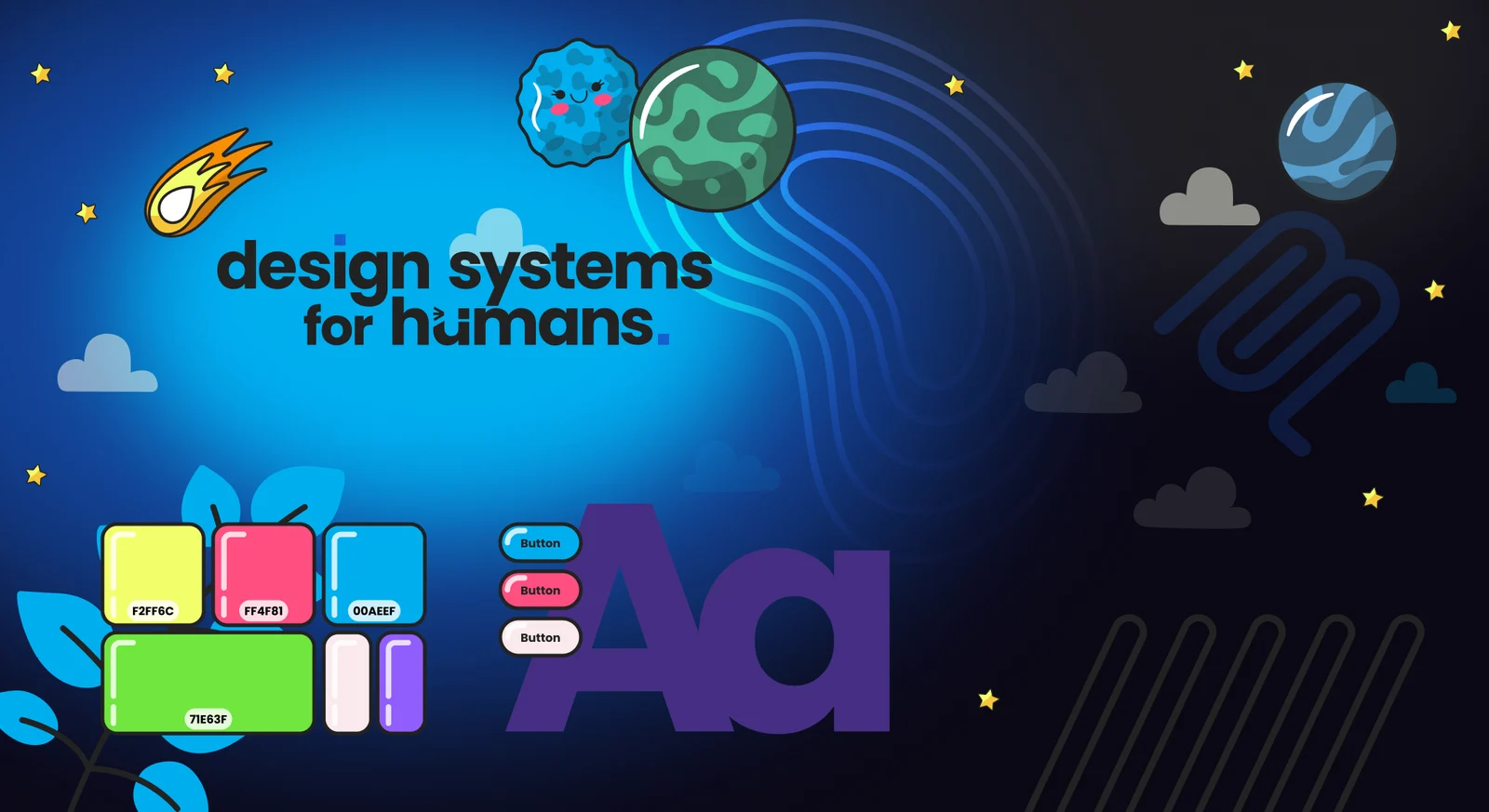
Design Systems for Humans gives AI coding tools a direct line to your design system. Its MCP server lets tools like Cursor, Claude, VS Code and Windsurf ask for your real design tokens, component documentation and accessibility rules, then check their own code against them before a person reviews it.
What problem does it solve?
Every team I've led had the same argument. Figma said one thing, the codebase said another, and someone lost a day reconciling them. Then AI coding tools arrived and made it worse.
Ask an AI tool to build a button and it will. It'll pick a blue that looks about right, a corner radius that seems reasonable and a font size it saw somewhere. Ask again tomorrow and you'll get a slightly different button. Across a team using AI all day, that adds up to a design system nobody is following.
AI can write code perfectly well. Nobody gave it the rules.
What did I build?
Design Systems for Humans started as a token editor with a Figma plugin that builds a full design system in minutes: variables, styles, components, a style guide and a WCAG contrast matrix. It syncs both ways with Figma and pushes token changes to GitHub as commits or pull requests.
The MCP (Model Context Protocol) server is what makes it useful to AI. MCP is an open standard that lets AI tools call out to other systems. Through it, an AI coding tool can:
- Get the design tokens: colours, typography, spacing, borders and shadows
- Read component documentation and approved block compositions
- Look up accessibility guidelines and design guidelines
- Check a piece of code for compliance with the design system
- Validate tokens and generate CSS variables
- Sync tokens with Figma and export blocks for Figma
So when a developer asks Claude to build a sign-up form, it can ask the design system which components and tokens to use, build with them, and check the result, all before a person sees it.
Why build it as a product?
I've been the person who had to justify a design system's budget, more than once. A design system is a product, and it needs an owner, releases and a way to show it's working. Design Systems for Humans adds governance rules, health scores and a changelog, so teams can see whether the system is being followed rather than hoping it is. I've written more about that in is a design system a product?
How do I use it myself?
Every day. My own design system lives in it, and the MCP server feeds my other projects. The colours in every building in Willowmere came from it. I'm reworking my UAT skill to check builds against it too. And I've written a seven-step Claude skill for building accessible UI against the MCP server, so the AI follows the same process every time.
What's next?
A design context layer. I want the design system to give AI tools the why as well as the what: principles, tone of voice and context about the product, alongside tokens and components. The aim is for AI tools to understand the reasons behind a decision, so they make better calls when the docs don't cover a situation.
Get your AI tools building on-brand
Try Design Systems for Humans. There's a free plan, and the Figma plugin is on the Figma Community. If you'd rather have it set up for you, Designed for Humans connects your design system to your team's AI tools and writes the rules that keep generated code consistent.
Book a call or read how my UAT skill checks builds against the same tokens.